
Learn to read the chart, one candle at a time.
Art of Option Learning is a free Android app that teaches candlestick patterns, chart patterns and indicators through short lessons and example charts.

Rated 4.2 on Google Play by more than 19,000 people, with over 5 lakh downloads.
From the creator of Ghanshyam Tech
Art of Option Learning comes from the team behind the Ghanshyam Tech and Art of Option Learning channels on YouTube. The app keeps the lessons and examples in one place on your phone.
What you learn in the app
Patterns are explained with diagrams and examples, and tools like calculators sit alongside the lessons.
-
Candlestick patterns
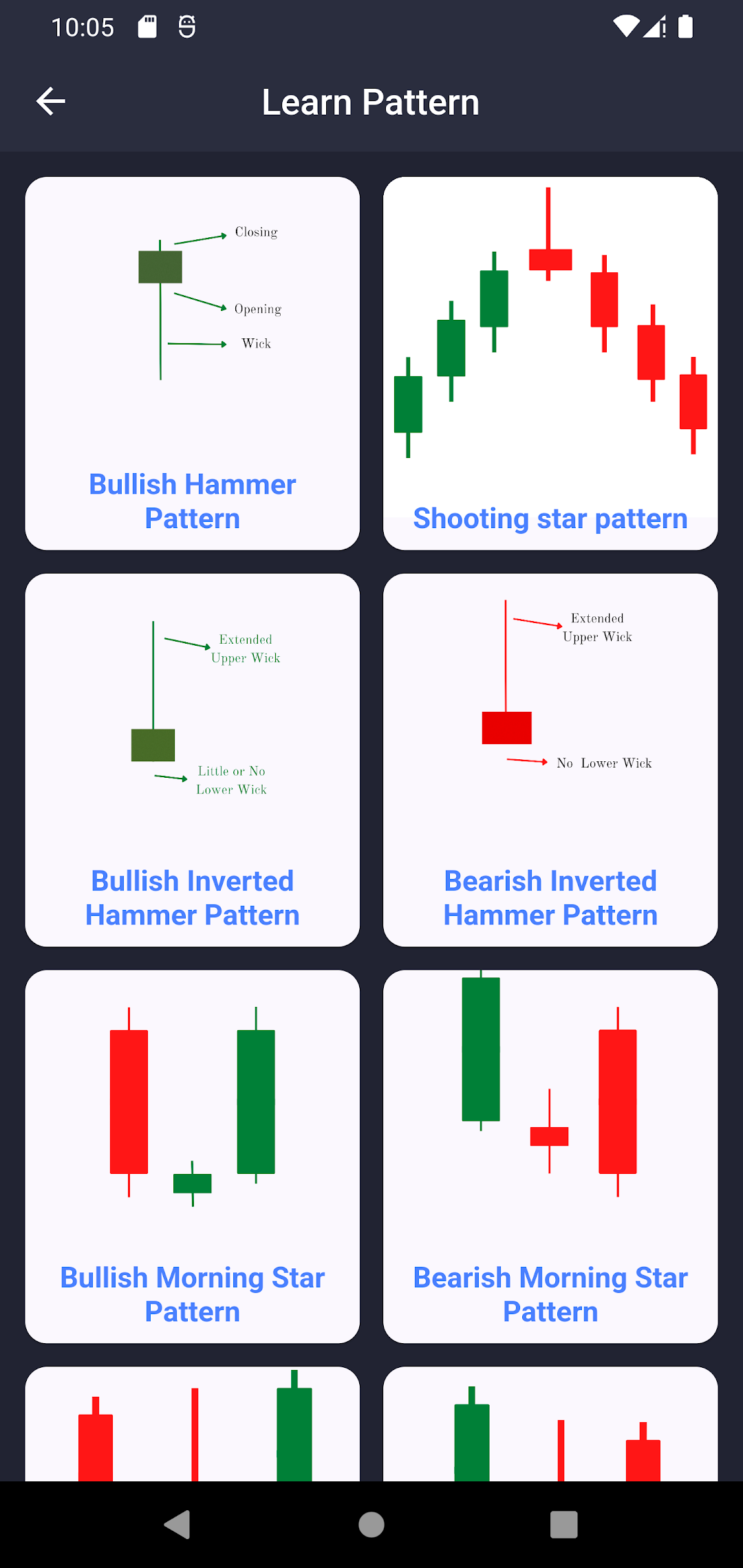
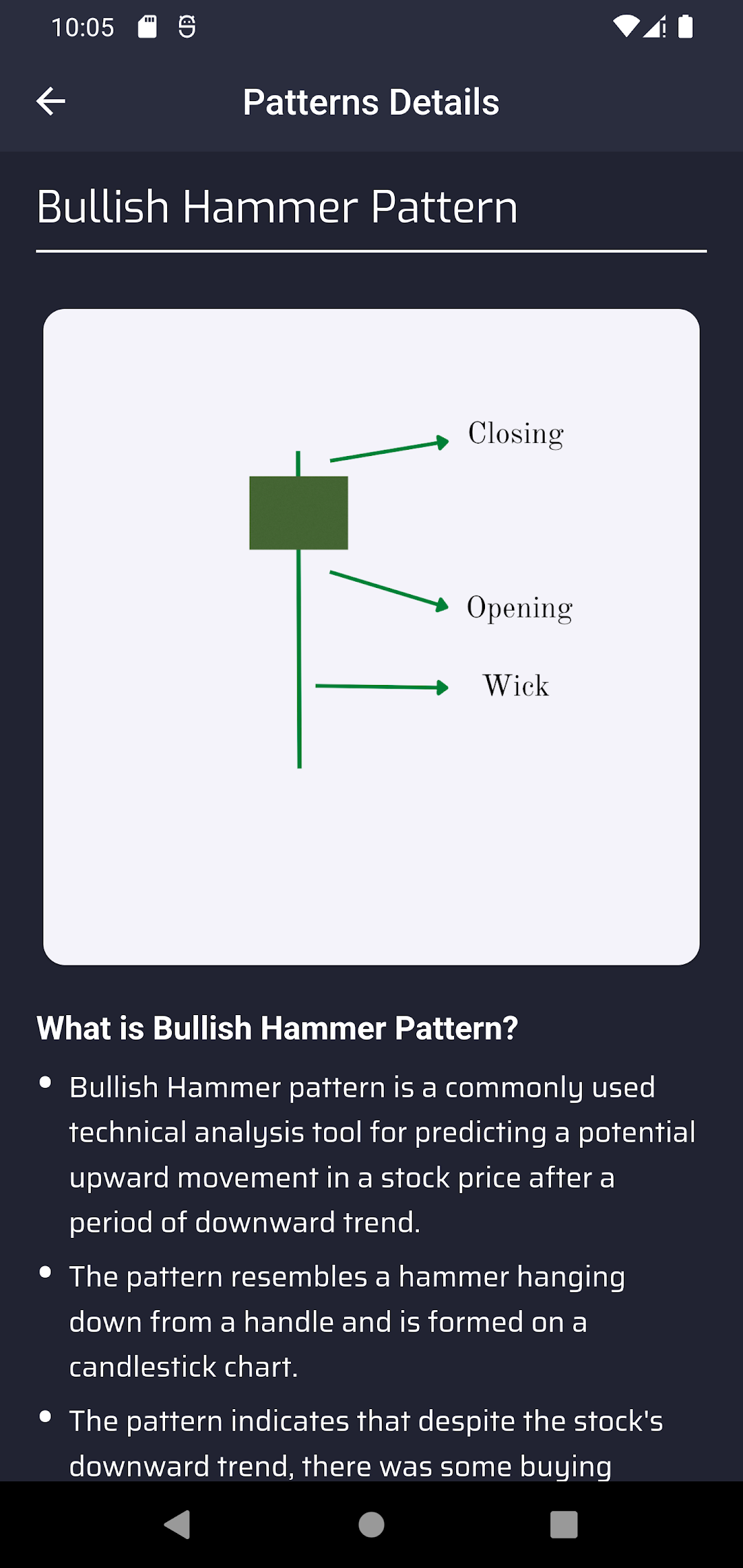
Hammer, shooting star, morning star and more, each drawn as a labelled diagram.
-
Chart patterns
Triangles, flags and other formations, with example charts.
-
Indicator charts
See how common indicators move with price on a chart.
-
Training material
Notes and reference material that go with the lessons.
-
Calculators
SIP, compound interest, ROI, dividend, net worth and investment calculators.
-
Market updates
The latest stock market news and IPO details, for information only and not a recommendation to buy or sell.
-
Helpdesk
Raise a ticket and talk to support without leaving the app.
Everything in the app is for learning and information only. It is not investment advice, and we are not registered with SEBI as an investment adviser or research analyst. Read our risk disclaimer.
How learning works
-
Learn the pattern
Each lesson breaks a pattern into its parts, such as the open, close, body and wick, so you know exactly what to look for.
-
See it on a chart
Example charts show where the pattern formed and what the price did around it.
Inside the app
Screens from the app's Google Play listing.
Official channels
These are the only accounts run by the Art of Option Learning team. They are the same accounts linked from the About pages of our two YouTube channels.
Questions
Is the app free?
Yes. Art of Option Learning is free to download from Google Play. It shows ads from Google.
How do I delete my account?
In the app, open My Profile and tap Delete My Account. If you no longer have the app, use our account deletion form.
How do I get help?
Open Helpdesk in the app to raise a ticket, or email artoftradingapp@gmail.com. For complaints about how we handle your personal data, contact the Grievance Officer named in our Privacy Policy.
Start with your first candle
Free on Google Play for Android phones.